How to set up Jev and make your first API call in 5 minutes
You saw the demos. Here’s the setup I used to get a real response through Vercel AI Gateway. One key, a few lines of code, and your first AI decision.
- per call, measured
- 642 ms
- cost of my first call
- 0.001¢
- steps, start to finish
- 4
A quick mental model
An LLM can write the response. Jev can help decide what happens next: pick a category, score an option, or return a probability. You give it the situation and the questions.
We’ll start small: read a support update and check whether a refund happened.
Want to see what people built first? Browse 200+ Jev demos and repos, sorted by team →
Get your Vercel key
Open Jev on Vercel ↗, click Get API key, and sign in. Create a key in AI Gateway. Give it a small spend budget and an expiration date; I used $1 and seven days.
You don’t need a separate TypeSafe key for this route. Direct TypeSafe access was invite-only when I tested it.
Make a tiny project
Install Node.js ↗ if you don’t have it. Use version 22.18 or newer. Then run these commands in your terminal:
mkdir jev-demo
cd jev-demo
npm init -y
npm install ai
printf '\n.env\nnode_modules/\n' >> .gitignore
Create a file named .env in that folder. Paste your key after the equals sign:
AI_GATEWAY_API_KEY=your_key_hereKeep this file private. The key belongs in your local environment or on your server, never in a public page or Git repository.
Ask your first question
Save this as index.mjs. The state is the information Jev reads; the question tells it what to evaluate.
import { experimental_evaluate as evaluate } from 'ai';

const result = await evaluate({
  model: 'typesafe-ai/jev',
  state: 'The support agent issued a full refund to the customer.',
  questions: {
    refunded: {
      type: 'boolean',
      instructions: 'Was a refund issued?',
    },
  },
  maxRetries: 0,
});

console.log(JSON.stringify(result.answers, null, 2));node --env-file=.env index.mjsRead the result. Then change the input.
Here’s what my request returned:
{
  "refunded": {
    "type": "boolean",
    "probability": 0.99
  }
}
That’s a 99% probability that a refund was issued. Now change the state to “The customer requested a refund, but the agent hasn’t processed it.” Run it again and compare.
One small test, not a speed benchmark. Output cost was $0. Your timing, usage, and results will vary. A model’s probability is not a guarantee that its answer is correct.
Paste this. Let your agent set it up.
Copy this into Claude Code or Codex. It can create the project, install the SDK, and run the test. You may still need to complete sign-in or billing verification.
Set up a working Jev demo on my computer using Vercel AI Gateway.

1. Read https://vercel.com/ai-gateway/models/jev and the current AI SDK docs. Use experimental_evaluate with model typesafe-ai/jev, not generateText.
2. Create a separate jev-demo folder. Check that Node.js is version 22.18 or newer, then install ai. Keep existing projects unchanged.
3. Reuse AI_GATEWAY_API_KEY if already configured. Otherwise help me create a Vercel AI Gateway key with a small spend cap and expiration. Store it in a local .env excluded from Git. Never print the key or include it in client-side code.
4. Create index.mjs with a boolean question asking whether a refund was issued. Use the state: "The support agent issued a full refund to the customer." Run it with node --env-file=.env index.mjs.
5. Print the returned probability, total elapsed time including network, and cost if the API reports it. Then test: "The customer requested a refund, but the agent has not processed it." Compare the actual results without inventing any output.
6. If access fails, explain the exact blocker. Vercel may require a credit card before requests work. Ask me to handle sign-in, verification, or billing when needed. Do not buy credits or change billing automatically.
7. Leave me a short README with the command to run it again. Keep it local; no deployment is needed.
Then give it a useful job.
Route support
Choose billing, technical support, or sales.
Check a draft
Score how well a message fits a customer profile.
Choose an action
Evaluate allowed moves from a game’s current state.
Start with examples where you know the answer. Jev takes text or structured state; your app supplies that state and handles any actions.
More field guides
All guides →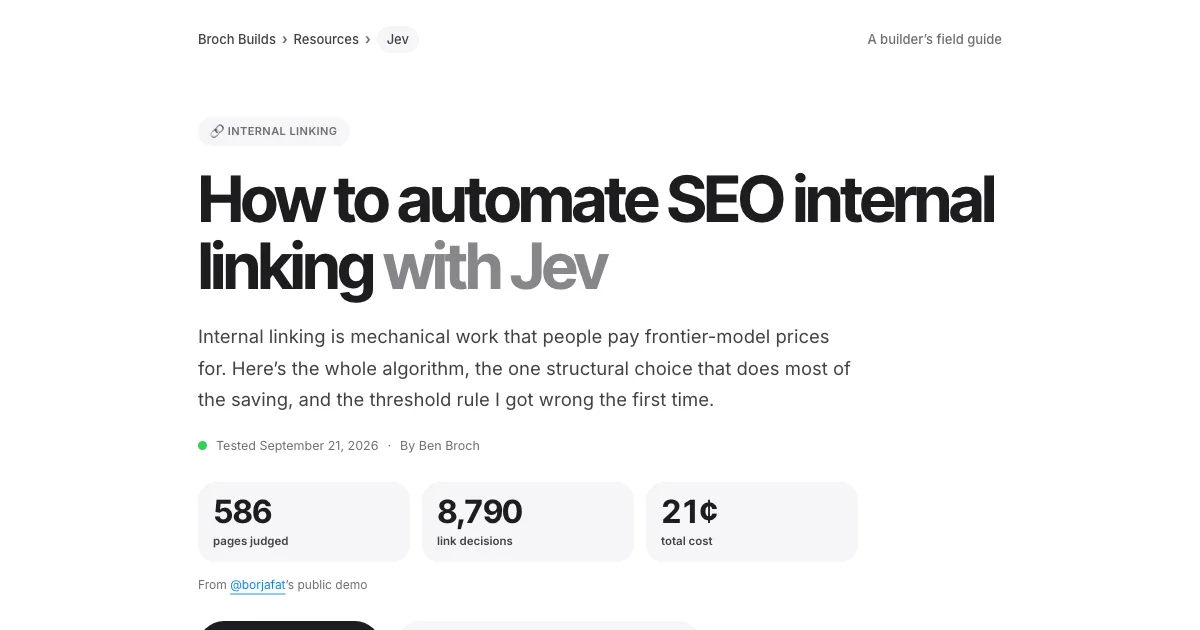 Jev · GuideHow to automate SEO internal linking with Jev →The script, the prompt and the threshold rule
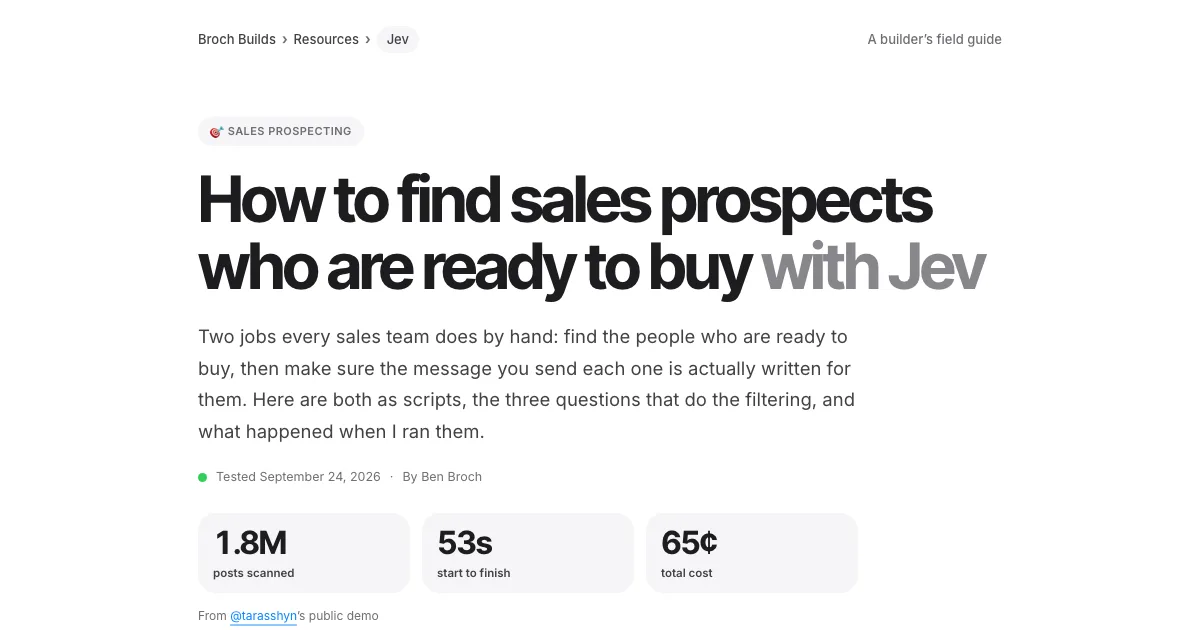 Jev · GuideHow to find sales prospects ready to buy with Jev →Two scripts and the three filtering questions
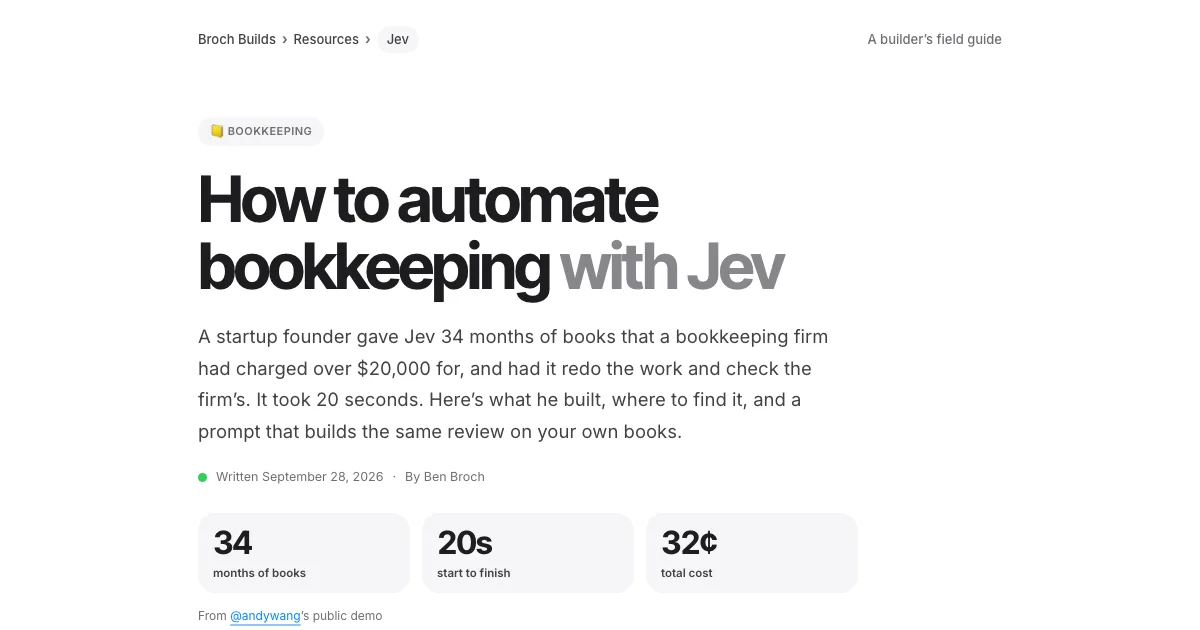 Jev · GuideHow to automate bookkeeping with Jev →Categorize every transaction, flag what needs a human
 Jev · GuideHow to filter Amazon products fast with Jev →The agent browser, the rules as questions, the race
 Jev · GuideHow to search Zillow by what the filters can’t see with Jev →699 listings judged in under 18 seconds
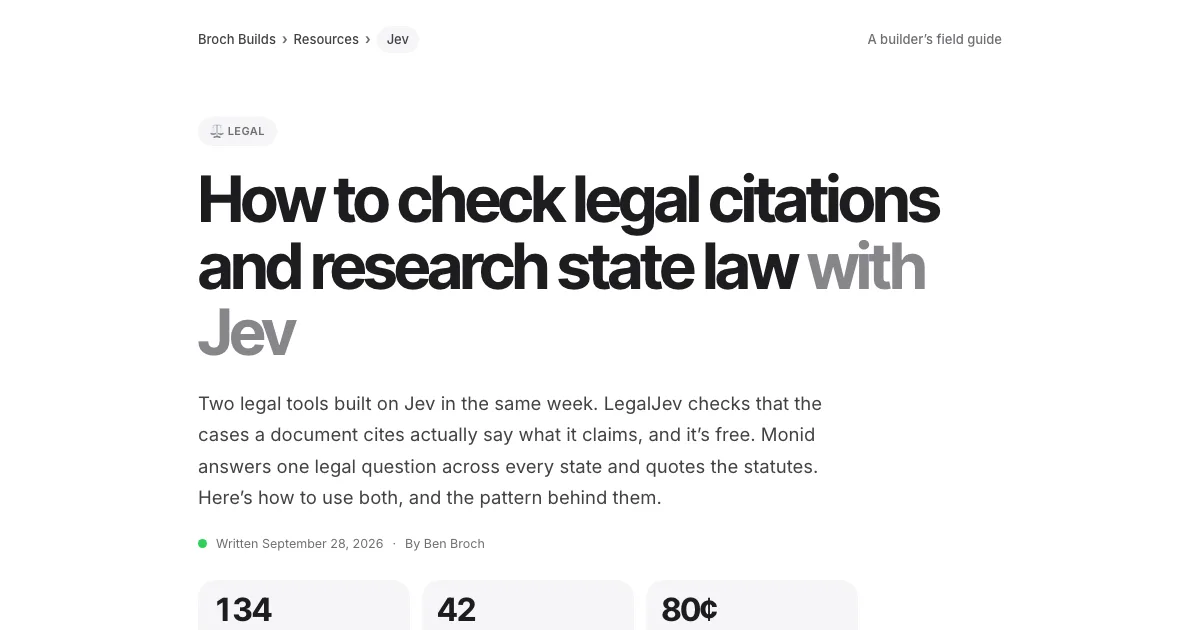 Jev · GuideHow to check legal citations and research state law with Jev →LegalJev (free) and Monid, side by side
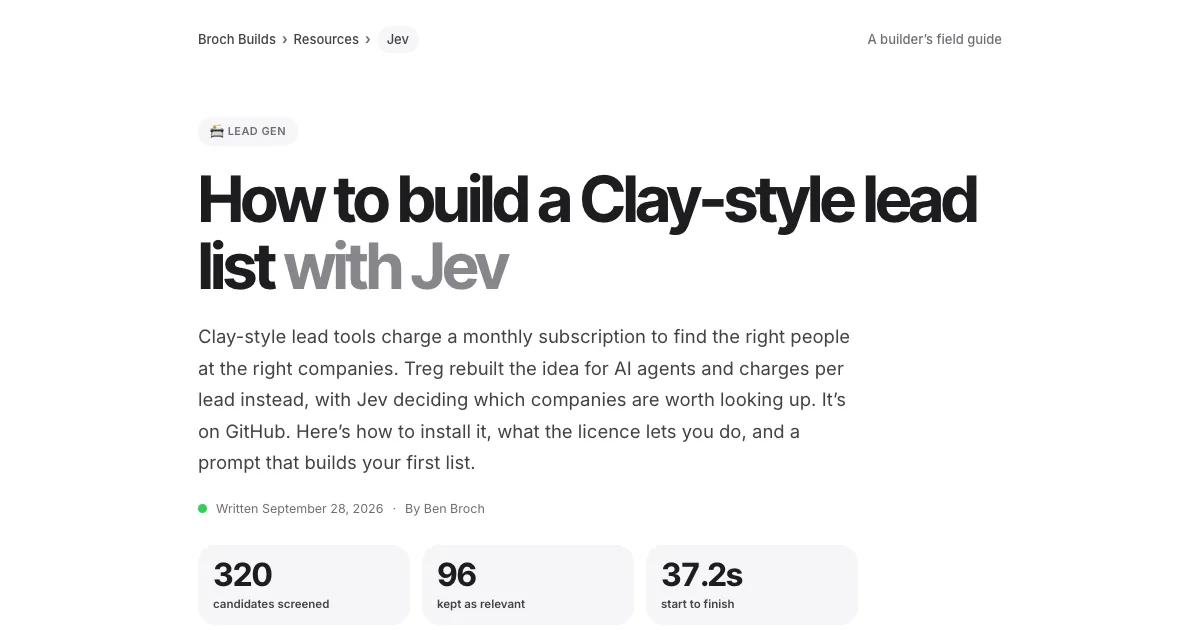 Jev · GuideHow to build a Clay-style lead list with Jev →Treg on GitHub: judge first, pay second
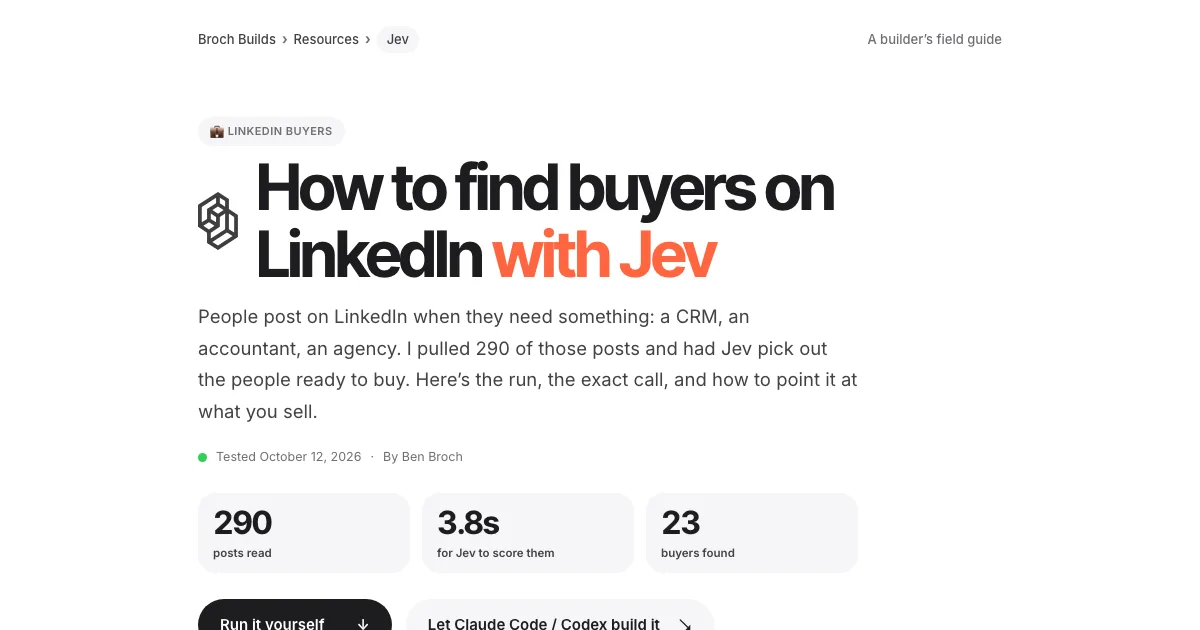 Jev · GuideHow to find buyers on LinkedIn with Jev →290 posts scored in 3.8s, 23 buyers
 Jev · GuideHow to sort your inbox with Jev →500 emails in 7 seconds for a cent
 Jev · GuideHow to find viral TikToks with Jev →780 videos, 137 outliers, sorted by niche
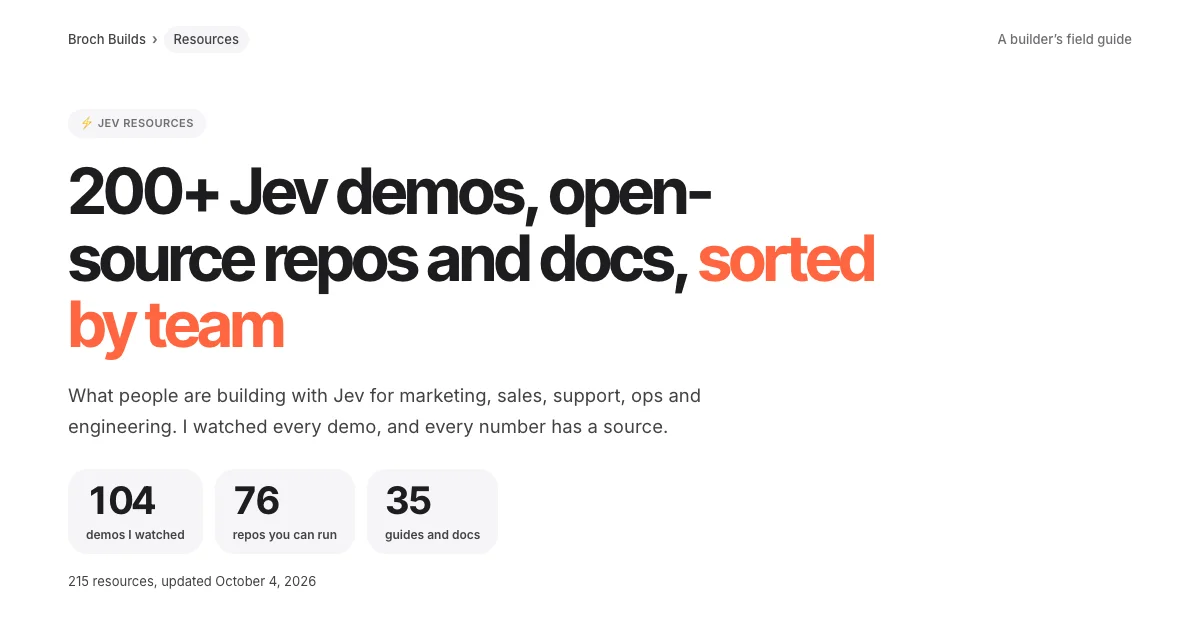 Jev · Directory200+ Jev demos, repos and docs by team →Everything worth watching or running
 Higgsfield · GuideHow to swap the people in any video with Higgsfield Genjutsu →The clip, the photos, the prompt and the cost
 ChatGPT · GuideHow to build and submit your own ChatGPT plugin extension →The server, the ZIP and the review checklist
 Claude Code · GuideHow to make motion graphics with Claude Code →Six looping effects, one prompt each
 Claude Code · GuideHow to security-check your vibe-coded app with Claude Code →One prompt, 20 checks, a fix list
 Claude Code · GuideThe UX checklist: make your app easier to use →The UX laws, a checklist per screen and one audit prompt