How to filter Amazon products fast with Jev
An AI agent went through 20 Amazon listings and decided which ones fit. With Jev making the decisions it finished in under 4 seconds. A frontier model took almost a minute, and the answers were the same. Here’s the browser it ran in, how to install it, and a prompt that builds the filter for whatever you’re shopping for.
- product decisions
- 20
- with Jev
- 3.71s
- with GPT-5.6 Sol
- 54.45s
From @ego_agent’s public demo
The code: the browser is open source, the race isn’t
The demo is by ego, the team behind ego lite, a free Mac browser that your AI agent drives while you keep using yours. The browser is on GitHub. The script that ran the race isn’t published, and ego says it doesn’t have a Jev-specific integration yet. Jev works through the normal setup.
# From the ego lite README (I haven't run these myself)
# 1. Install the Mac app from https://lite.ego.app  (free)
#    It adds the ego-browser skill to every agent on your Mac.
# 2. Or install only the skill:
npx skills add citrolabs/ego-lite
Repo: github.com/citrolabs/ego-lite · Site: lite.ego.app
What the demo did
A split-screen race titled “JEV Speed Race: Filtering Amazon Products”. Both sides get the same job: go through earbud listings and decide which ones meet the brief. The Jev side locks in all of its answers at 3.71 seconds. The GPT-5.6 Sol side is still going at 54.45 seconds. Both score 10 out of 10.
One caveat: on screen the GPT side is labelled as playing at 2x, so the two halves aren’t recorded at the same speed. The timers are what they are, but it isn’t a clean side-by-side video.
Why it’s faster: the agent stops thinking out loud
A reasoning model writes an essay before every yes or no. Jev doesn’t write anything. It returns the probability of each answer. When the task is a pile of small judgments, like “does this listing fit?”, most of an agent’s time goes on that essay, and Jev skips it.
The same pattern with Jev
One call per listing:
- The state is one product listing as text: title, price, rating, review count, whether it’s sponsored, and the bullet points.
- The questions are your shopping rules as yes/no statements, asked together: “this is noise-cancelling earbuds”, “the price is under $80”, “this is an established brand”.
Keep a listing only when every answer clears the bar. That’s how a person shops too: one dealbreaker is enough. It’s the same shape as the prospecting guide, with a listing in place of a post.
New to Jev? Start with the setup guide: key, first call, working response. Then come back.
Let an agent build it
Paste this at Claude Code or Codex once ego lite is installed. It shortlists and never buys. The 0.60 bar is a starting point I haven’t run yet.
Build me a product-filtering job using Jev through the Vercel AI Gateway, driving my browser with the ego-browser skill.

1. Ask me what I'm shopping for, in one plain sentence, plus my hard rules (for example: "wireless earbuds under $80, noise cancelling, at least 4 stars, not a no-name brand").
2. Open the Amazon search results in the browser and collect the first 20 listings: title, price, rating, number of reviews, whether it's sponsored, and the bullet points.
3. For every listing make ONE call: experimental_evaluate from the ai package, model typesafe-ai/jev. The state is the listing as plain text. Ask one boolean question per rule, all together in that one call, each written as a plain statement, for example:
   - fits: "This product is <what I'm shopping for>."
   - price: "The price is under $<my limit>."
   - trusted: "This is an established brand, not an unbranded or relabelled product."
   - reviews: "The rating and review count suggest real buyers are happy with it."
4. Keep a listing only if every answer is at least 0.60. Rank the keepers by the lowest of their scores, so one weak answer can't hide.
5. Run 3 calls at a time; bursts get rate-limited. Time the whole run and tell me how long Jev took.

Show me the shortlist with links and scores. Never add anything to the cart or buy anything. I choose and check out myself.
The honest part
I haven’t run this one. The numbers are from @ego_agent’s post, and ego calls its Jev demos “toy experiments”. The install steps are copied from the ego lite README. There’s no code here because I only publish code I’ve run.
Your agent will be using your logged-in browser. Keep it on the shortlist job, and check out yourself.
Don’t have Jev running yet?
The setup guide is one key and a few lines of code, and you’ll have a working response in a few minutes.
Get started with Jev →More field guides
All guides → Jev · GuideHow to set up Jev and make your first API call →Step by step, about 5 minutes
 Jev · GuideHow to automate SEO internal linking with Jev →The script, the prompt and the threshold rule
 Jev · GuideHow to find sales prospects ready to buy with Jev →Two scripts and the three filtering questions
 Jev · GuideHow to automate bookkeeping with Jev →Categorize every transaction, flag what needs a human
 Jev · GuideHow to search Zillow by what the filters can’t see with Jev →699 listings judged in under 18 seconds
 Jev · GuideHow to check legal citations and research state law with Jev →LegalJev (free) and Monid, side by side
 Jev · GuideHow to build a Clay-style lead list with Jev →Treg on GitHub: judge first, pay second
 Jev · GuideHow to find buyers on LinkedIn with Jev →290 posts scored in 3.8s, 23 buyers
 Jev · GuideHow to sort your inbox with Jev →500 emails in 7 seconds for a cent
 Jev · GuideHow to find viral TikToks with Jev →780 videos, 137 outliers, sorted by niche
 Jev · Directory200+ Jev demos, repos and docs by team →Everything worth watching or running
 Higgsfield · GuideHow to swap the people in any video with Higgsfield Genjutsu →The clip, the photos, the prompt and the cost
 ChatGPT · GuideHow to build and submit your own ChatGPT plugin extension →The server, the ZIP and the review checklist
 Claude Code · GuideHow to make motion graphics with Claude Code →Six looping effects, one prompt each
 Claude Code · GuideHow to security-check your vibe-coded app with Claude Code →One prompt, 20 checks, a fix list
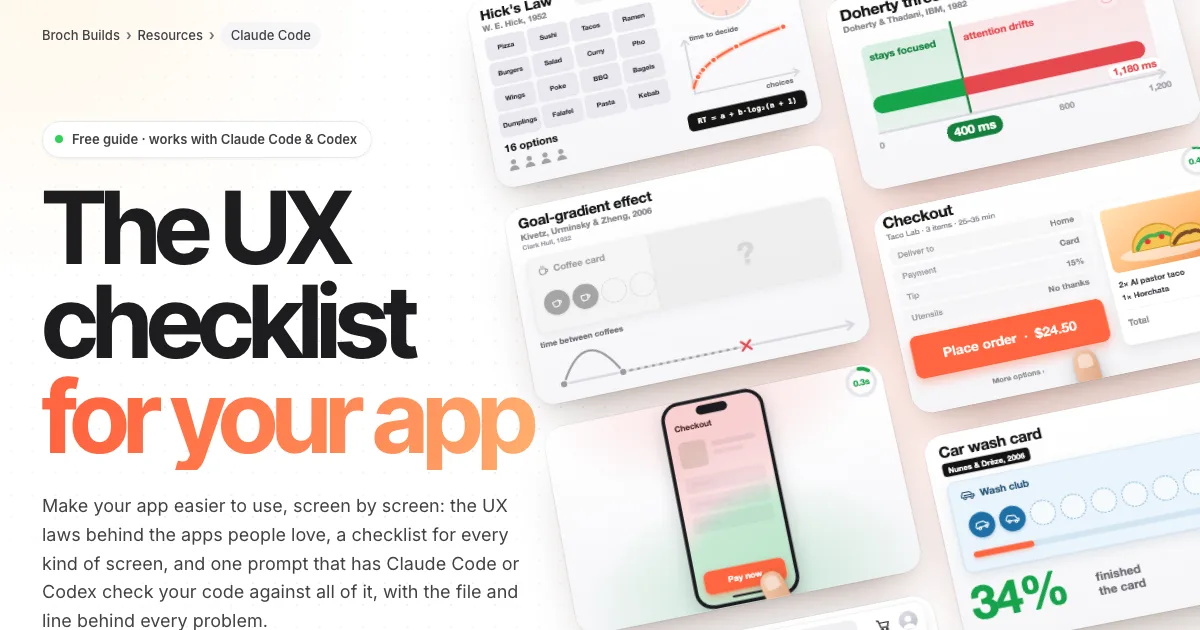 Claude Code · GuideThe UX checklist: make your app easier to use →The UX laws, a checklist per screen and one audit prompt